 English
 Swedish



Here’s how:
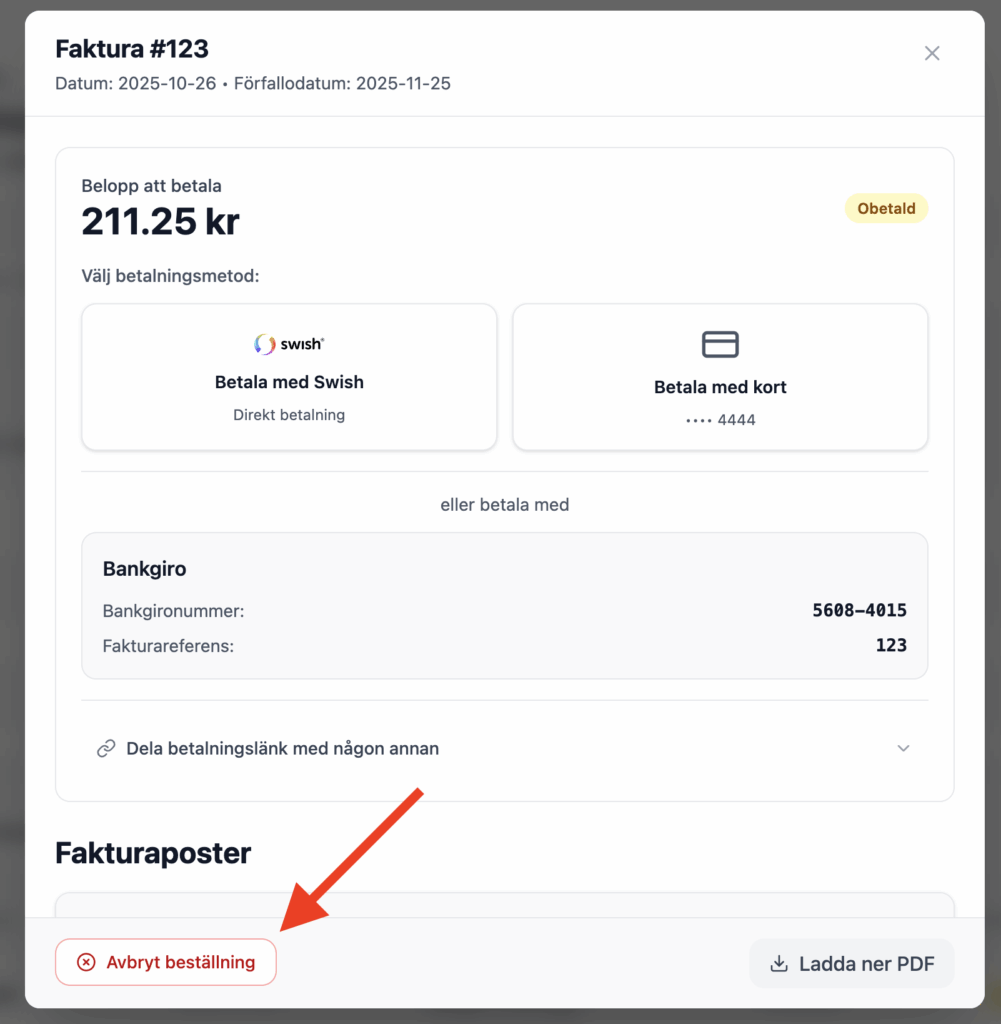
- Go to the invoice page in the customer zone > invoicing.
- Select the invoice you want to delete. Click the “Cancel order” button.
If you later change your mind and want to renew the domain, you can follow the manual renewal process.
Does your invoice include multiple domains, but you don’t want to renew all of them?
If you have many domains, all domains that need to be renewed are often grouped on the same invoice (unless you have disabled consolidated invoicing), since the system normally sends out no more than one invoice per month. If you want to exclude certain domains from renewal, delete the invoice as described above and then renew the desired domains manually.
Was this article helpful?
Tack för din feedback!