 English



Ghost CMS blog – install it easily in your cPanel
A modern and simple blogging alternative to WordPress. Here's how to install and manage your installation.
Get Started with Your Web Hosting. Here, you’ll find guides on how to do things in your cPanel such as: creating email accounts, adding additional domains, and installing WordPress.
First, you need to log in to your cPanel account. You can do this by entering cpanel.yourdomain.se in your browser and providing your login credentials. You can find the username and password in the email with the subject Get Started…
Getting started with Redis on your web hosting is easy and reliable. Follow the steps below to enable Redis and connect it to your WordPress installation. Log in to the control panel Start by logging in to your cPanel. You…
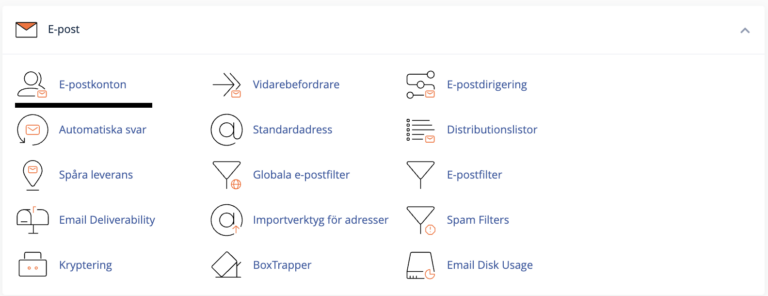
Creating an email account in cPanel is a simple process. Follow these steps to quickly and easily set up a new email account for your domain. Step 1: Log in to cPanel First, you need to log in to your…