
Cancel a domain and stop the renewal invoice
Checked against the client area 29 October 2026
If you do not want to keep a domain, switch off auto-renewal. The domain keeps working as usual until its expiry date and then expires. There is nothing else to cancel and nothing to pay.
If you have already received a renewal invoice for the domain, you cancel it in the same step.
Open your domains in the client area
How to
Section titled “How to”- Click Domains in the menu. The Auto-renew column shows which domains have auto-renewal on.
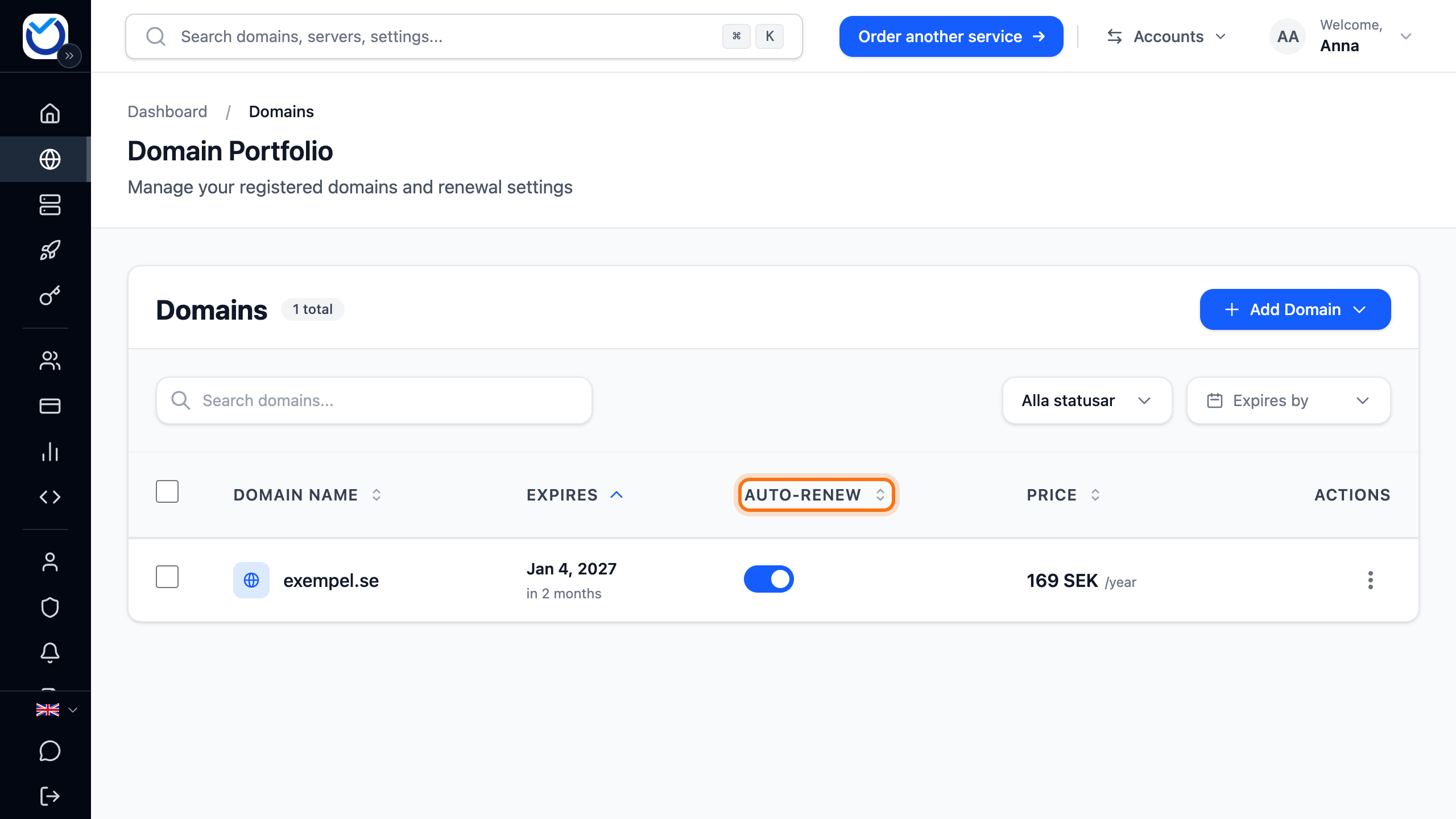
- Click the domain and go to the Settings tab.
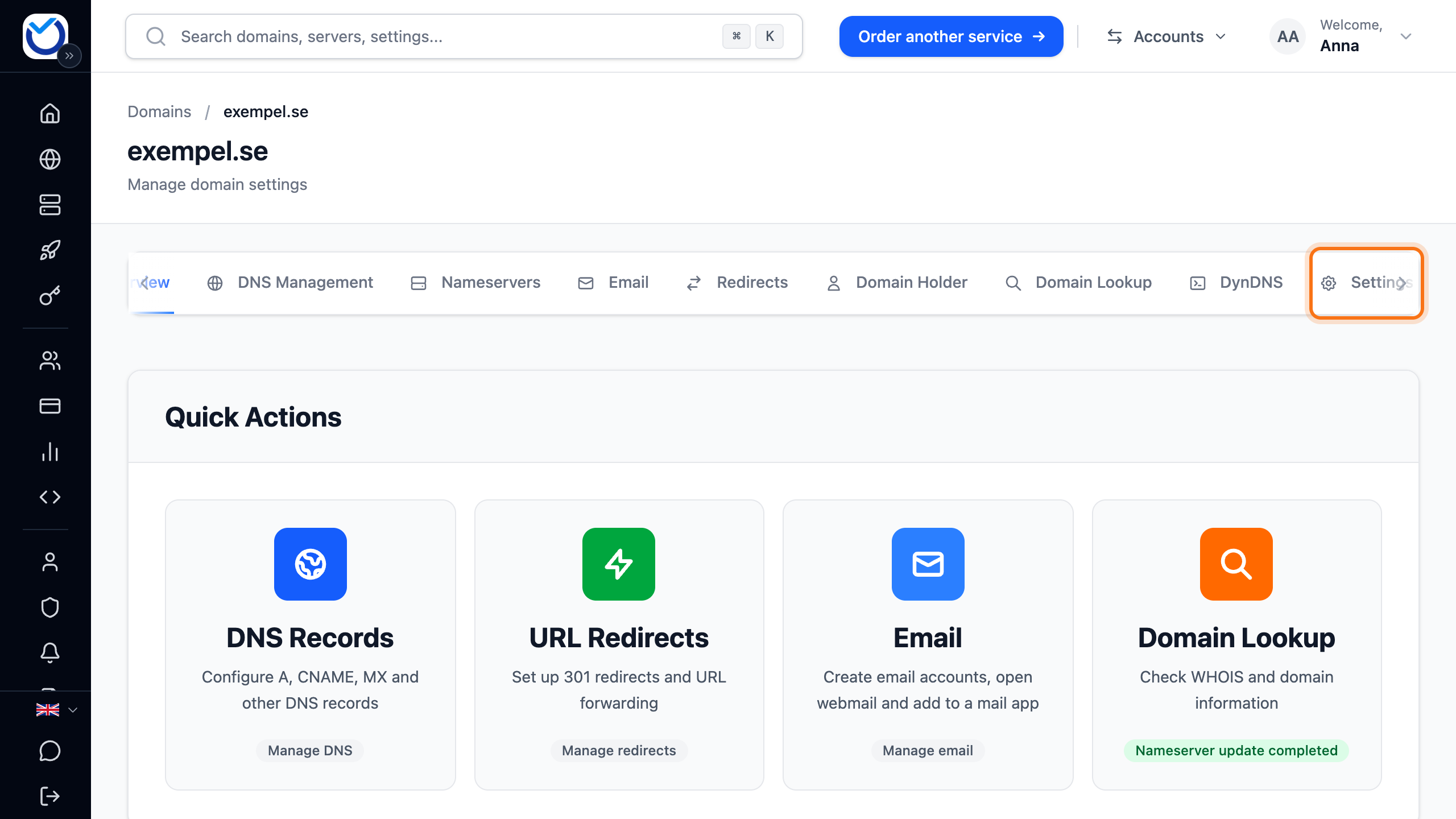
- Click the switch next to Auto-Renewal so that it turns grey.

- If the domain already has a renewal invoice, Pending Renewal Order Found appears. Click Cancel Invoice. The invoice is then cancelled and you pay nothing. If you choose Keep Invoice, the invoice stays and the domain is renewed if you pay it.
If the invoice is already paid, the renewal cannot be cancelled. Auto-renewal is switched off all the same.
If the invoice covers several domains
Section titled “If the invoice covers several domains”If the domain is on the same renewal invoice as other domains, the whole invoice is cancelled when you click Cancel Invoice. The other domains are not affected. They get a new renewal invoice automatically.
If none of the domains should be renewed, you can instead open the invoice under Billing and click Cancel Order. If the invoice covers several domains, then click Cancel renewal for all. The renewal is cancelled for all of them and their auto-renewal is switched off.
What happens next
Section titled “What happens next”The domain keeps working as usual until its expiry date. If you change your mind before then, switch auto-renewal back on or renew the domain. Read more in Renew your domain.
A .se or .nu domain with a domain lock cannot expire on its own. When you switch off auto-renewal, the client area shows the date we remove the lock. Confirm with Turn off auto-renewal. If there is a renewal invoice, the date is shown in the invoice dialog instead.
Good to know
Section titled “Good to know”- There is no button that deletes a domain straight away. If the domain has to be removed at the registry before its expiry date, support does it. Create a ticket
- If the domain should go to another provider instead, read Transfer a domain away from Hostup.
- You choose the emails about a domain that expires soon under Account > Domain settings > Domain alerts.