
View active sessions and the account's audit log
Checked against the client area 29 October 2026
Wondering whether someone else is signed in to your account? Under Active sessions you see every device that is signed in right now. You can sign them out there. The Audit Log shows what has been done on the account and when.
Open Active sessions in the client area
View and end active sessions
Section titled “View and end active sessions”- Go to Account › Active sessions.
- The list shows each signed-in device with its browser, Login Method, IP address and when it was last active. The device you are using is marked This device.
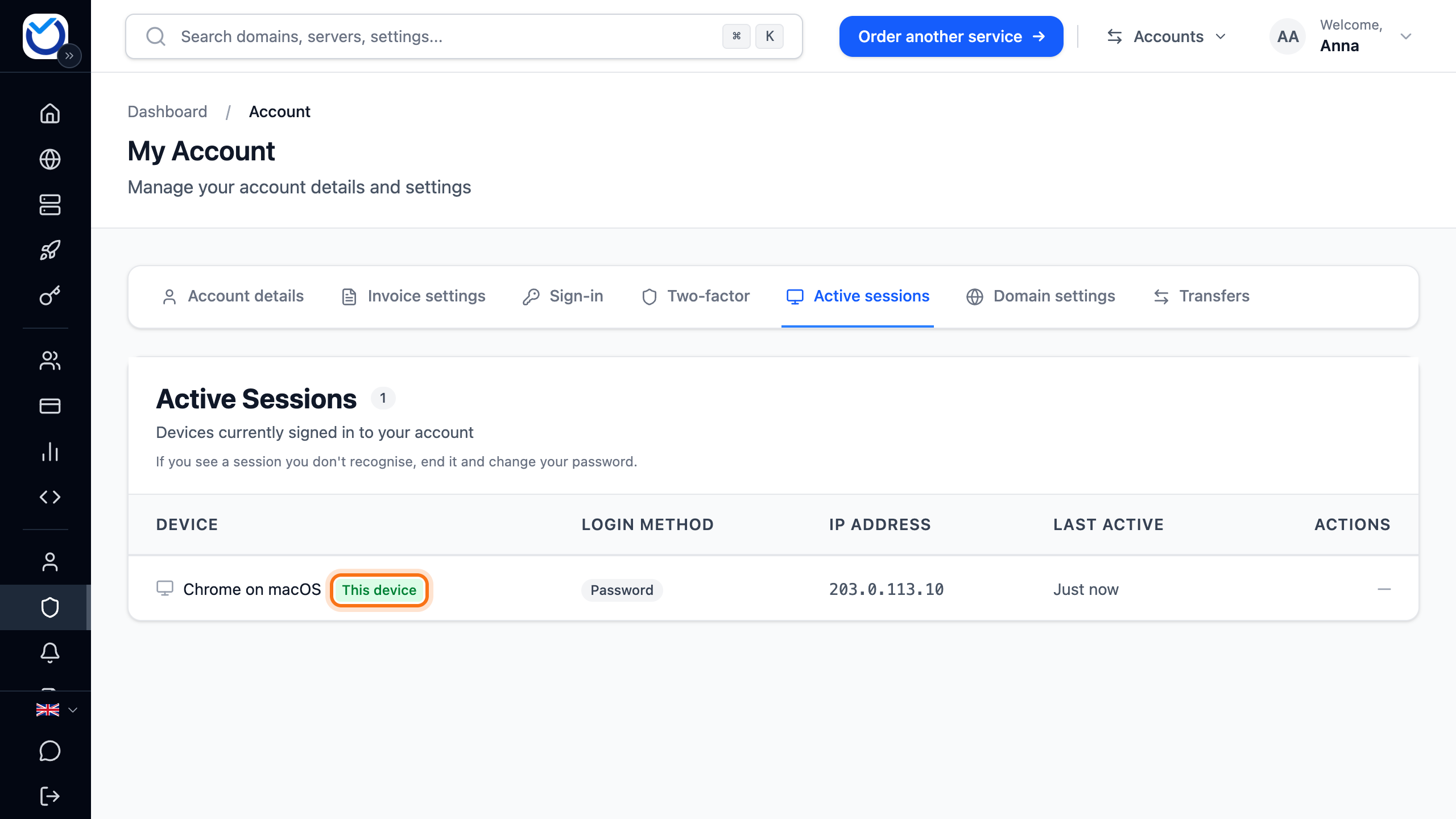
- If you don’t recognise a device, click Terminate on its row. Confirm with Terminate Session. The device is signed out straight away.
- To sign out every other device at once, click Terminate All Other Sessions. Confirm with Terminate All.
When you end all other sessions, the client area also forgets devices where someone ticked Trust this device for 30 days. If you use two-factor authentication, the client area asks for the second step at the next sign-in on every device, your own included.
You can’t end the session on the device you are using here. Sign out of it as usual.
Payment link in the Login Method column means someone opened the payment link in one of our emails about an invoice.
View the audit log
Section titled “View the audit log”- Click Audit Log in the menu.
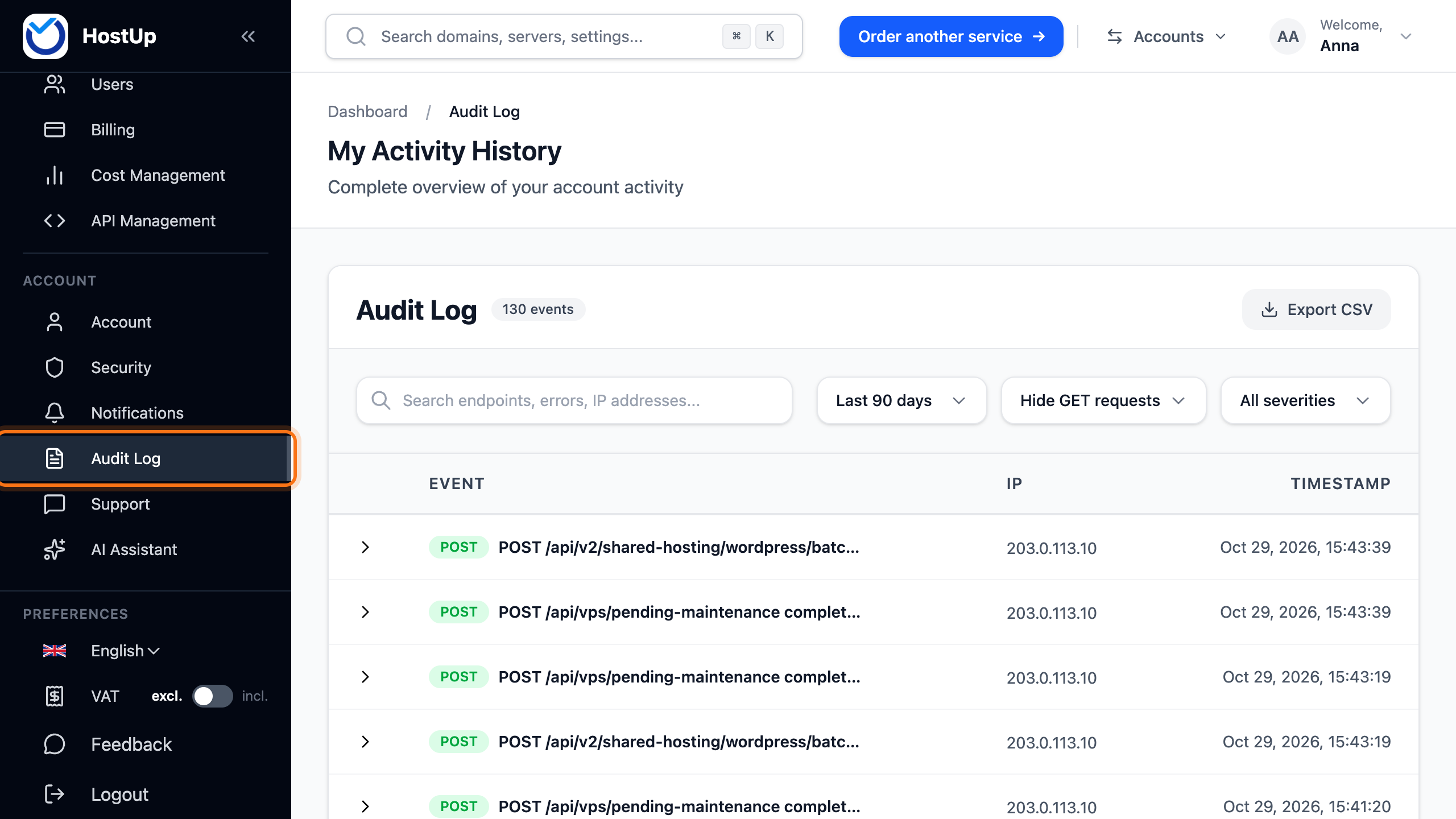
- The list shows changes from the last 90 days, newest first. Each row shows what was done, from which IP address and when.
- Click the arrow on a row to see the details. Some events also show Changes with the value before and after.
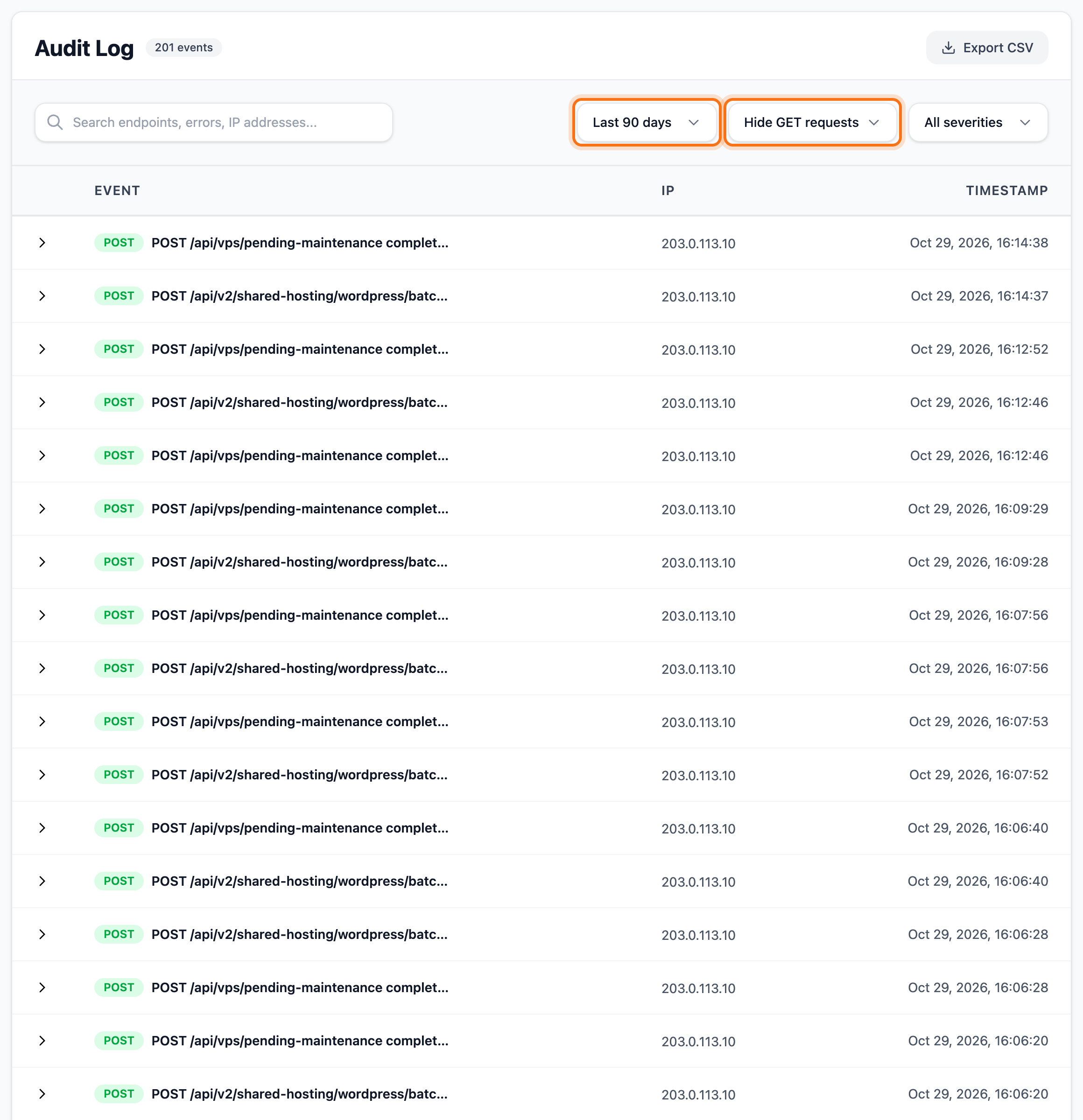
- Choose a shorter period in the first menu, which starts on Last 90 days. The second menu shows Hide GET requests. To also see when someone only looked without changing anything, choose All methods there.
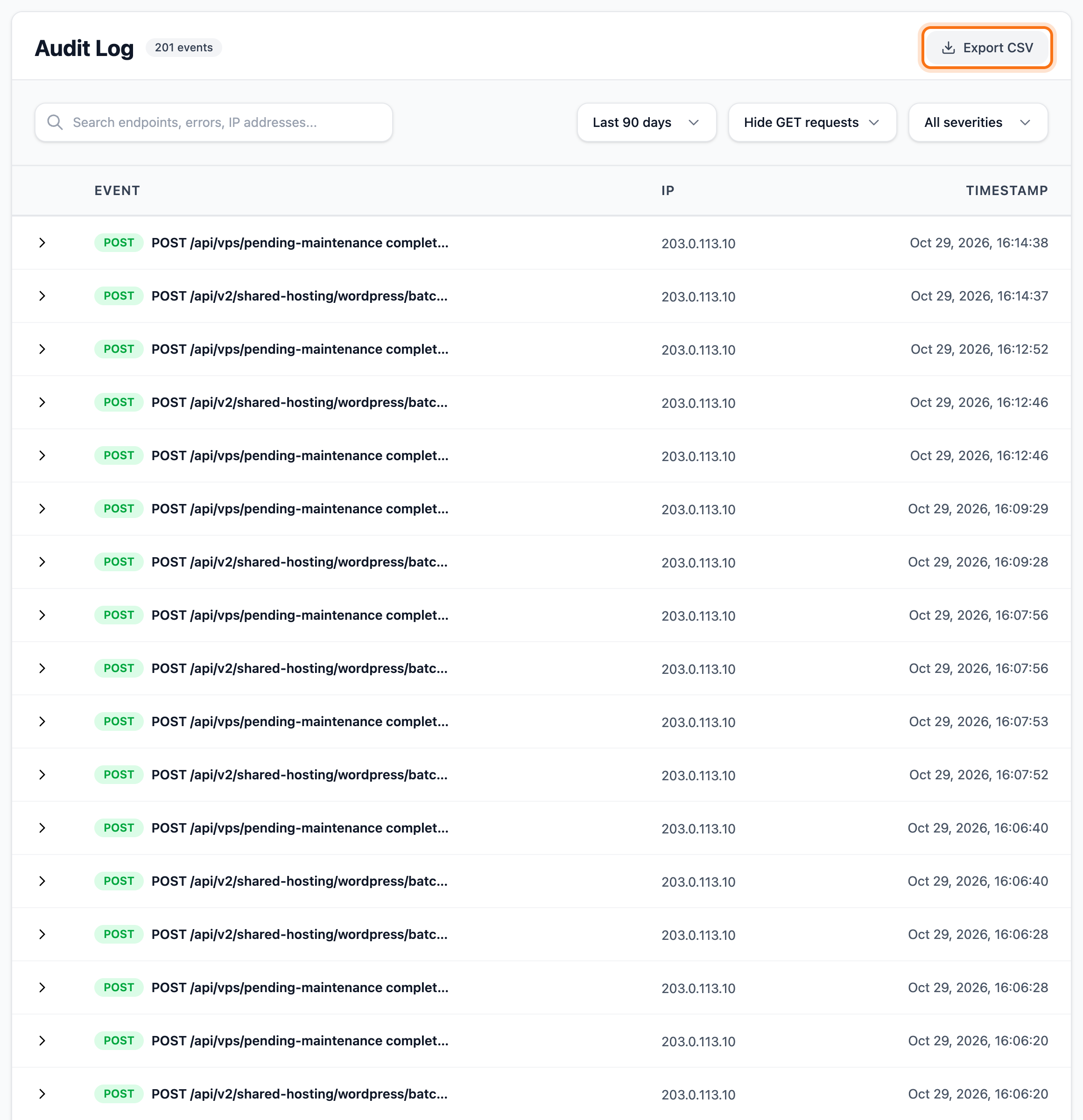
- Click Export CSV to save the events as a file.
Good to know
Section titled “Good to know”- If you find a device you don’t recognise, change your password too. See Change or reset your password. A new password doesn’t sign anyone out by itself.
- Changes to DNS records and nameservers also show in the audit log, with what was changed.
- The audit log shows 50 events per page. The search box and Export CSV cover the events on the page in front of you.
- Export CSV is not available on a phone. Use a computer if you need the file.
- Users you have added to the account don’t have Audit Log in their menu.