
Top up your account credit and prepay invoices
Checked against the client area 29 October 2026
With credit on your account, new invoices are paid automatically as they are created. This suits you if you pay by Swish or Bankgiro and would rather not pay every small invoice on its own. You top up by creating an invoice for the amount you want to add.
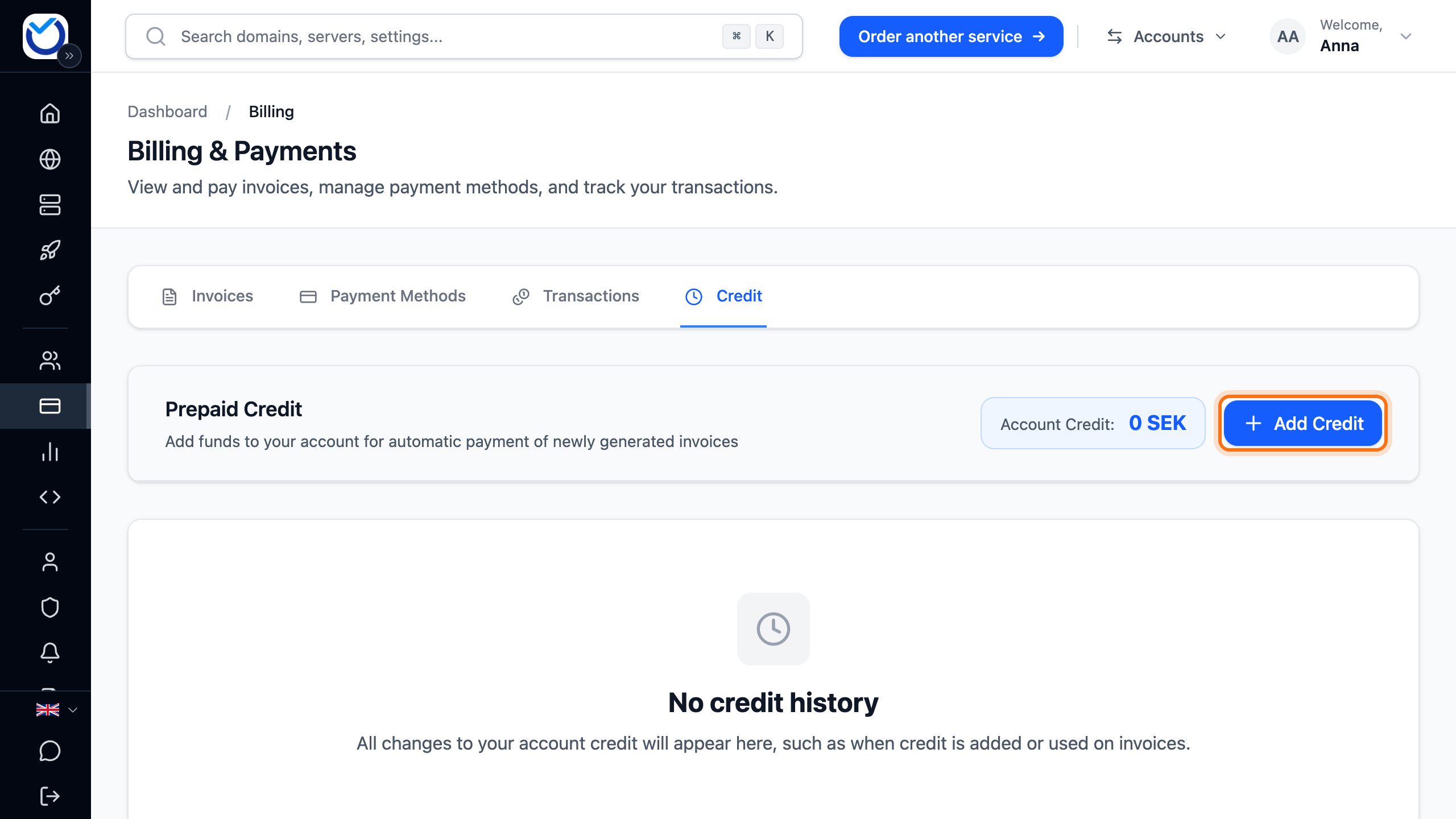
Open the Credit tab in the client area
How to
Section titled “How to”- Click Billing in the menu and open the Credit tab.
- Click Add Credit. On a phone the button is called Add credit.
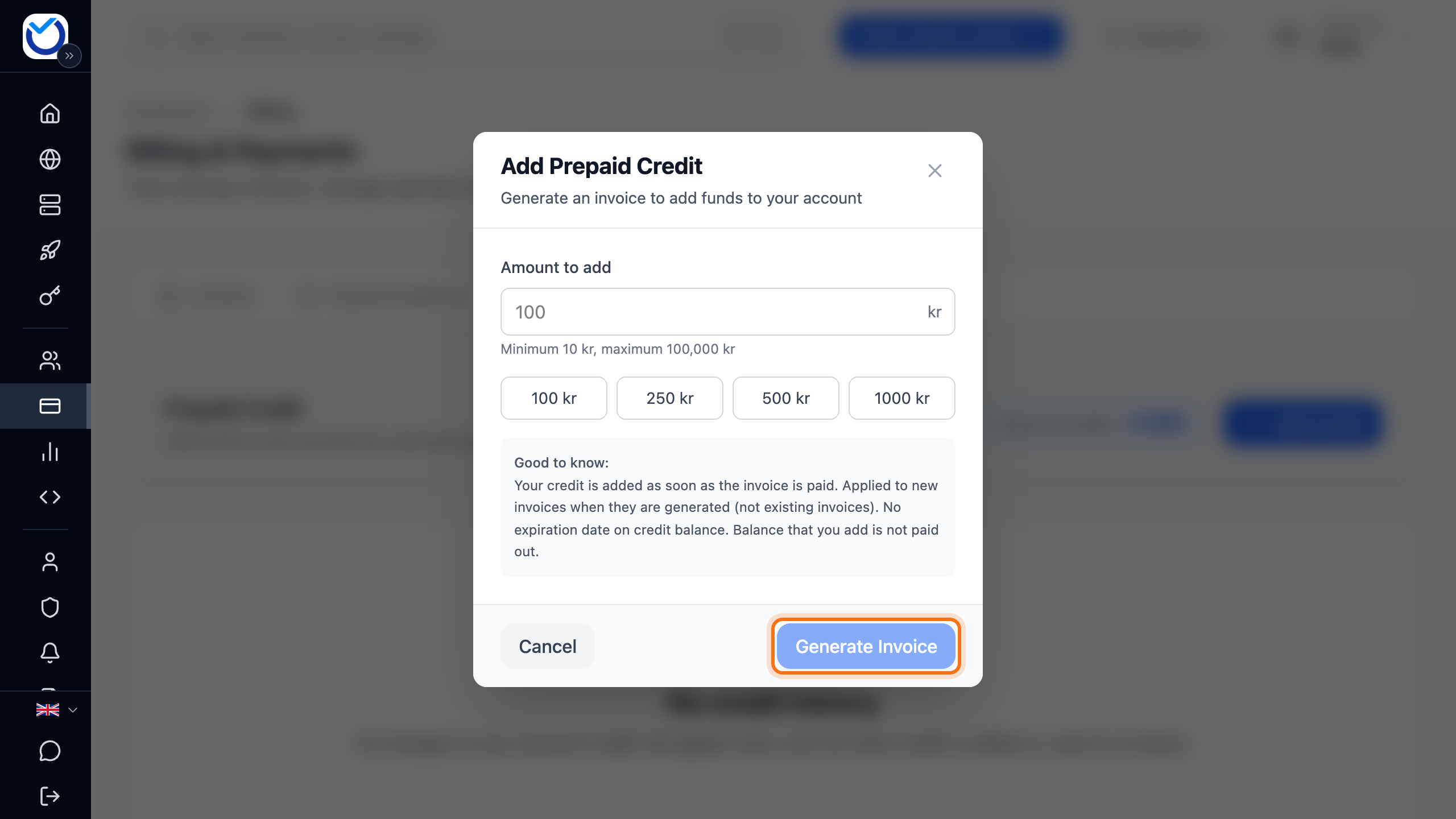
- Enter the amount under Amount to add. You can also click one of the preset amounts.
- Click Generate Invoice.
- The invoice opens straight away. Pay it like any other invoice, for example by card. Swish and Bankgiro are available for accounts in Sweden. Read more in Pay an invoice.
What happens next
Section titled “What happens next”The credit is added once the invoice is paid. It shows next to Account Credit on the Credit tab. The list below shows every top-up and every time credit is used on an invoice.
New invoices are paid from the credit as they are created. Invoices that existed before you topped up are not paid automatically. Open such an invoice and click Apply account credit.
Good to know
Section titled “Good to know”- Credit you top up is not paid out.
- The credit never expires.
- The credit is in the account’s currency. It can only be used on invoices in that currency.
- The top-up invoice itself cannot be paid with credit.
- Changed your mind before paying? Open the invoice and click Cancel Add Funds. Then click Cancel Invoice. No money is added to the account.