
Search the client area: jump to any page with Ctrl+K
Checked against the client area 29 October 2026
The search at the top of the client area takes you straight to the right page. Type the name of a domain or a server, or what you want to do, and press Enter. You can also restart a VPS or log in to cPanel from there, without going through the menus.
How to
Section titled “How to”- Click the search box at the top of the page, Search domains, servers, settings.... You can also press Ctrl+K, or ⌘K on a Mac. On a phone or in a narrow window, the box says Search....
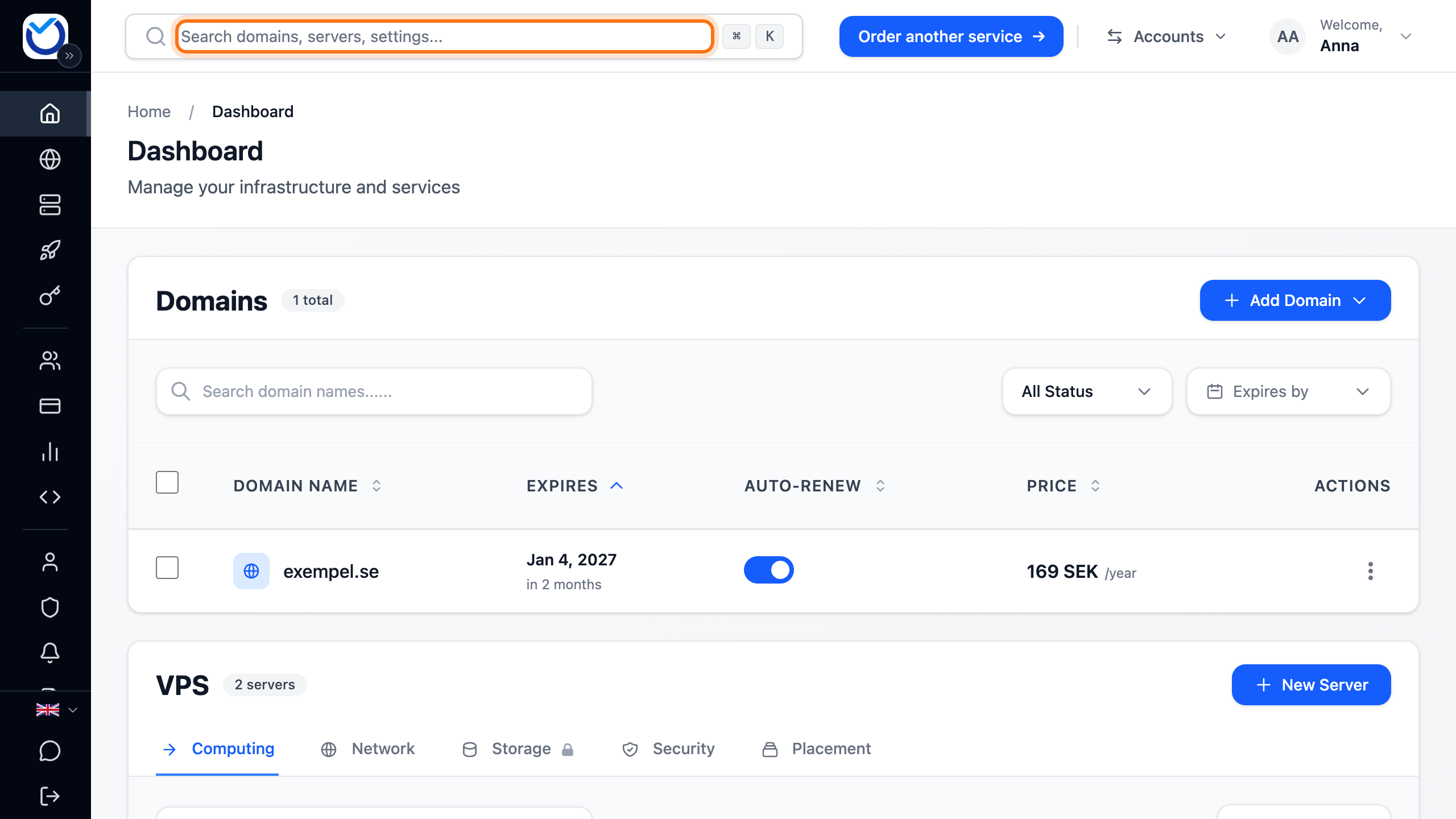
- Type what you are looking for: a domain name, a server’s name or its IP address. It can also be what you want to do, for example dns, invoice, console or redirect.
- Pick a result with the arrow keys and press Enter, or click it.
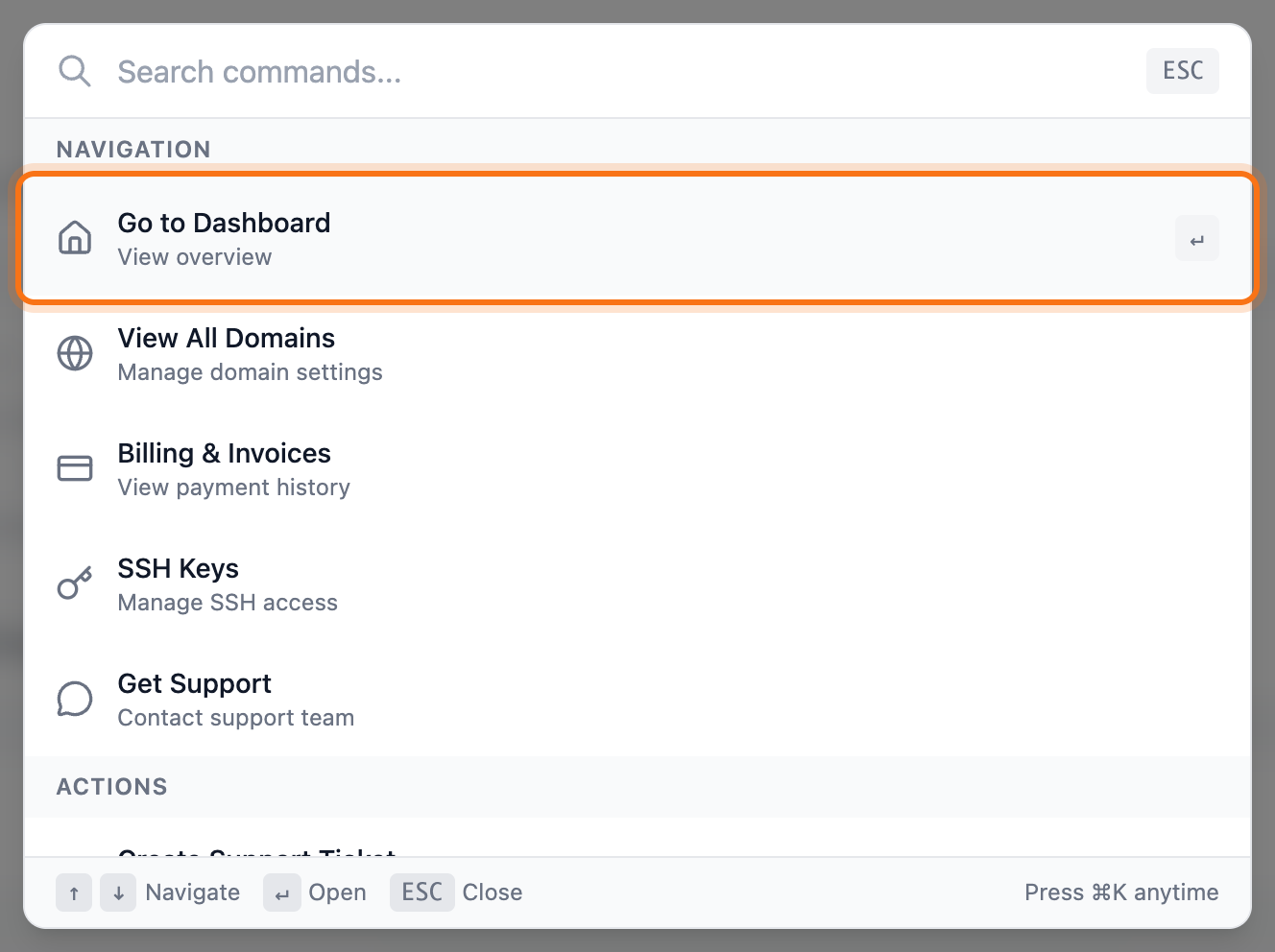
Press Esc to clear the box. If the box is already empty, Esc closes the search.
What you can do from the search
Section titled “What you can do from the search”- For each domain: open its overview or go straight to DNS Records, Nameservers, Email Forwarding, Redirects, Registrant Information or Renew.
- For each VPS: Console, Start Server, Stop Server and Restart Server. You also reach graphs, network, storage, backups, firewall and settings.
- For each web hosting account: log in to cPanel, or open File Manager and Email Accounts directly.
- For your account: for example Pay Invoice, Create Support Ticket and Add SSH Key.
What happens next
Section titled “What happens next”Most results take you to the right page or tab.
Start Server starts the server right away. Stop Server and Restart Server first open a dialog where you confirm. There you can also choose a forced shutdown if the server doesn’t respond. See Start, stop and restart your VPS.
The console, cPanel, the file manager and email accounts open in a new window. If your browser blocks the window, a message with a button appears. The button opens the page in the same tab instead.
Good to know
Section titled “Good to know”- The search looks for exactly the text you type. Type a word or a name, not a whole sentence.
- With nothing typed, a few common shortcuts show. If you have used the search before, your latest picks show at the top under Recent. They are saved in your browser.