
Reset the password for your VPS (root or Administrator)
Checked against the client area 29 October 2026
If you have forgotten the password for your VPS, create a new one in the client area. On Linux it is the root user and on Windows the Administrator account. You don’t need to be able to log in to the server first.
Open your servers in the client area
How to
Section titled “How to”- Open the server and go to the Settings tab.
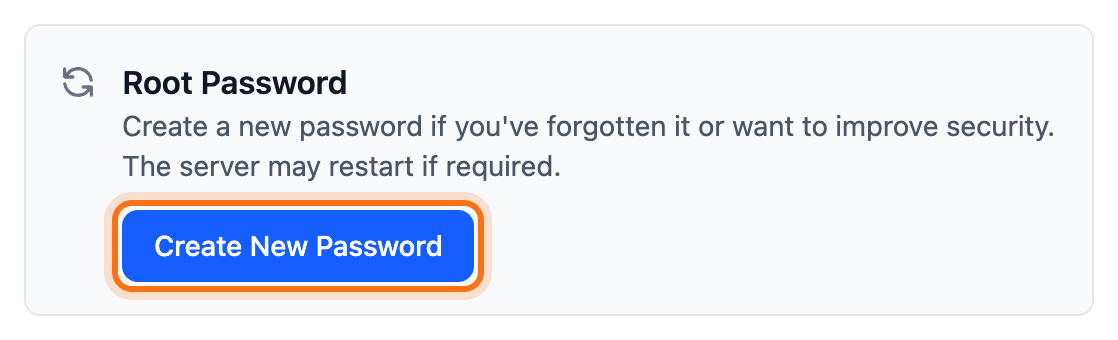
- Under Login & Access, click Create New Password. The box is called Root Password on Linux and Administrator Password on Windows.
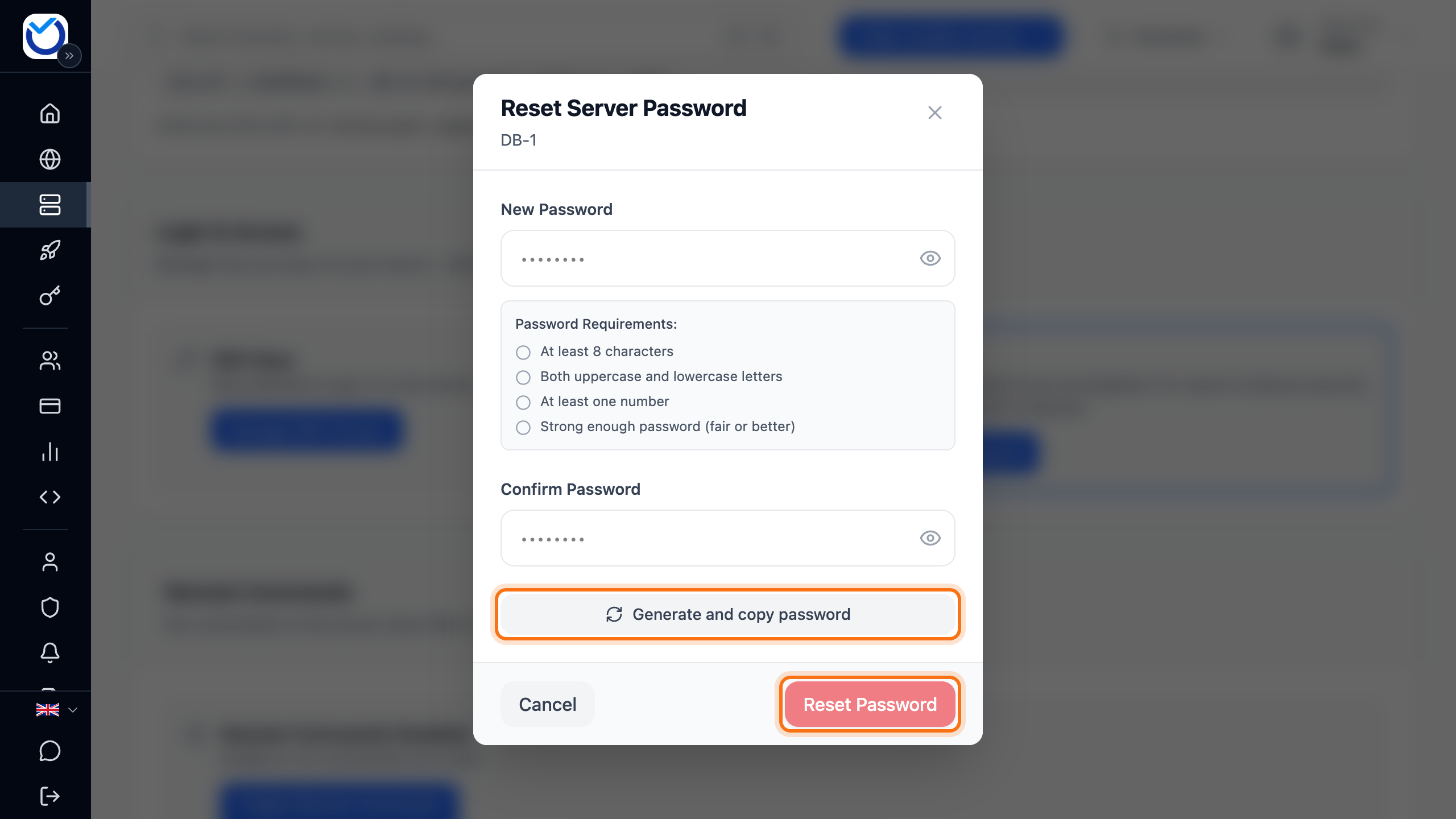
- Enter the new password under New Password and once more under Confirm Password. It needs at least 8 characters, both upper and lower case letters and at least one number. It also must not be too weak. The dialog ticks off the requirements as you type.
- If you would rather get a password made for you, click Generate and copy password. It fills in both fields and is copied. Save it somewhere before you go on.
- Click Reset Password.
What happens next
Section titled “What happens next”What happens depends on the state of the server:
- If the server is running and its guest agent (QEMU Guest Agent) answers, the password changes straight away. The server does not restart.
- If the server is stopped, the password is saved. It takes effect when you start the server.
- If the server is running but the guest agent doesn’t answer, the server restarts so the password takes effect. It takes a while before it is running again.
The new password is then shown under Quick Connect on the Overview tab.
Good to know
Section titled “Good to know”- Windows has its own password rules. If Windows doesn’t accept the password, you get a message saying so and nothing changes. Choose a longer or more complex password and try again.
- You can also open the dialog with the pencil (Reset Server Password) next to the password under Quick Connect.
- If you still can’t get in with SSH, password login may be turned off on the server. See Turn on password login for SSH.
- If the month’s bandwidth is used up, the password can’t be changed. It works again once usage resets or you buy more bandwidth. See Bandwidth on your VPS.